Personal Portfolio Site (CSE 134B)
What is this portfolio site?
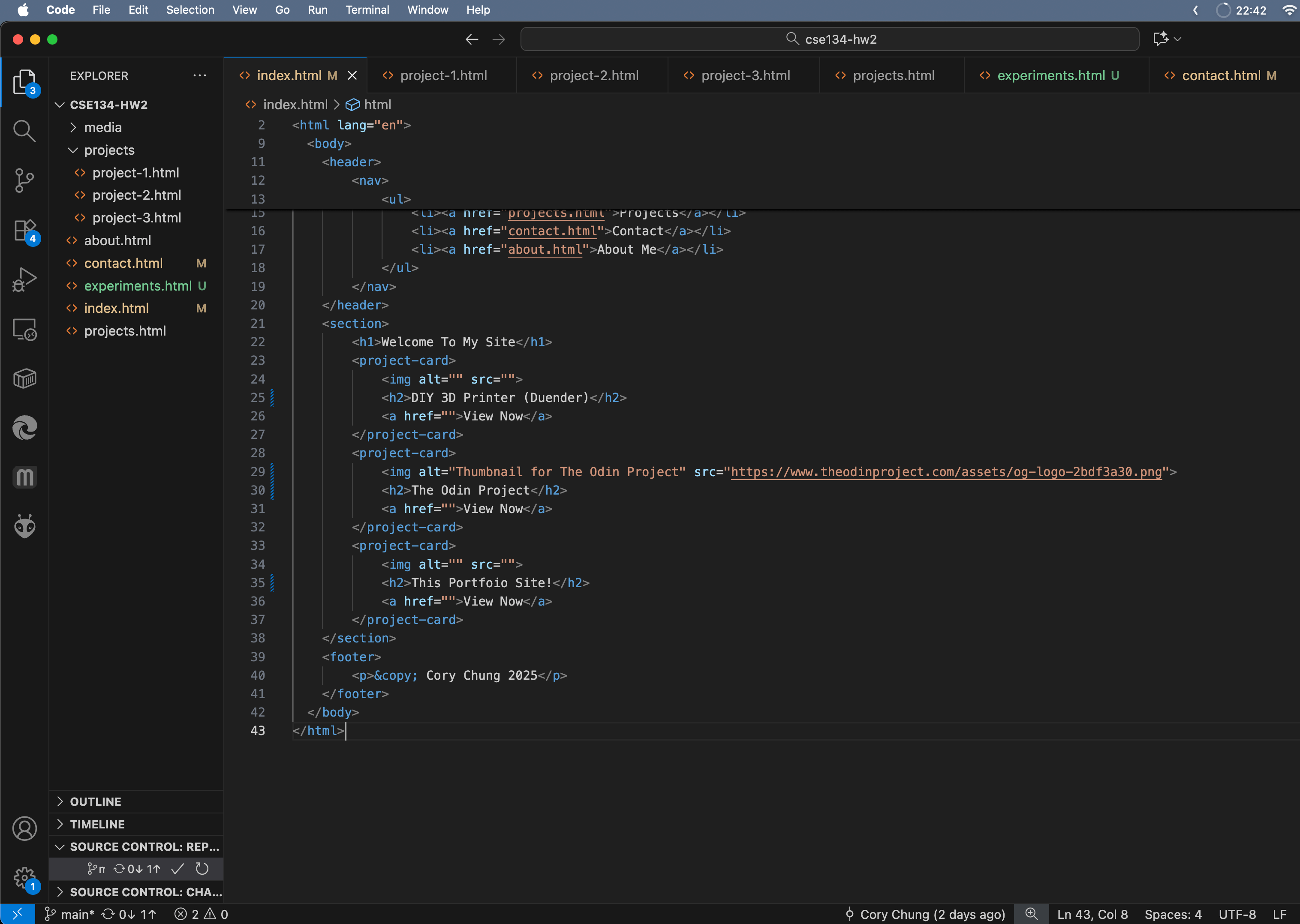
As part of my web development course at UC San Diego (CSE 134B), I worked on a personal portfolio site, building it all from scratch using HTML, CSS, and JS.
Inspiration
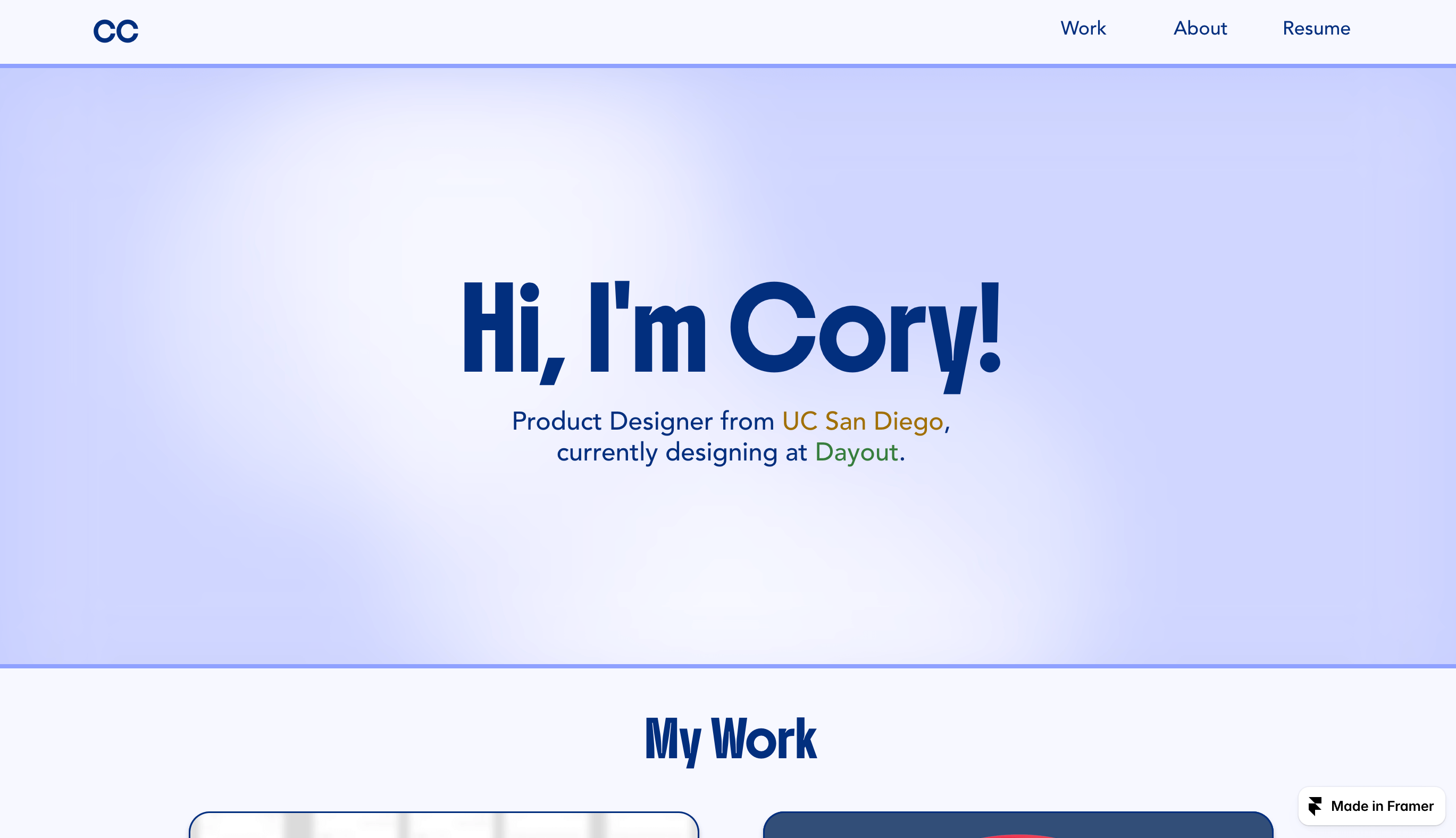
In terms of inspiration, the main rubric for this assignment emphasized that I should be using this opportunity to make a site that advertises myself and my coding career. But since this was a CS class and I'm only a CS minor, I had different career aspects and an already existing UX portfolio, so I wanted to find something a bit more personal to me. Instead of creating a portfolio for my coding or career work, I instead thought to create a portfolio for more of my personal work, hobbies, and creations.
Initial Drafts
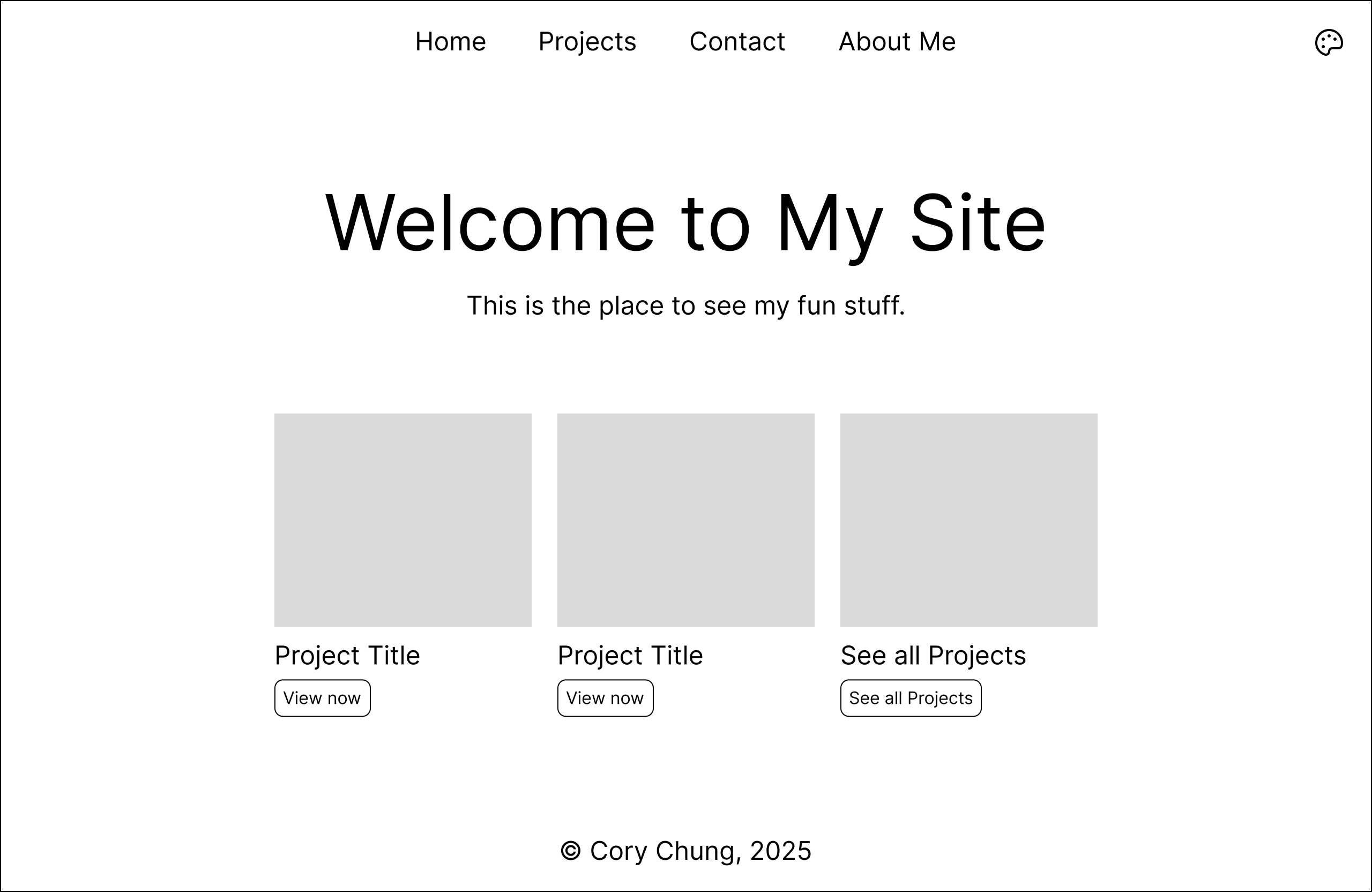
When thinking about the traditional "portfolio" many people think about the classic work, home, about, and contact pages. I wanted to keep the same structure here and drew up some wireframes to create this content.
When it came to the specific color themes and layout, I was really inspired by the color themes of my UX portfolio, those being light purples and blues (maybe I have a favorite color). As a result I decided to go with that for this portfolio too. However, I was inspired by an in-class demonstration of a pure CSS dark/light mode theme switcher, so I wanted to make a version of that on my own site too, with the dark mode being a dark blue and black neon theme.
Choosing Content
Choosing content was a pretty difficult experience for me. I knew I wanted to do something more recent, and the only project I could immediately think of was my 3D printer project over the summer. But when it came to thinking of other projects, it was hard to find something that wasn't school or work related. Eventually I narrowed it down to this site itself and my web dev bootcamp, which I think were good decisions in the end.
My Experience
In terms of my experience, I really did have a lot of fun playing around with the new HTML tags and CSS properties that we learned about in class. I already had experience playing with Flexbox, Grid, and other common CSS functions, but this class made me think about it in a much more modern way. I had never known about nested CSS, the @layer rule, or any other "best practices" for how to structure my code, so it was really cool to try and implement those on my own. I also enjoyed the challenge of trying to implement things like view transitions and theme pickers.
Challenges
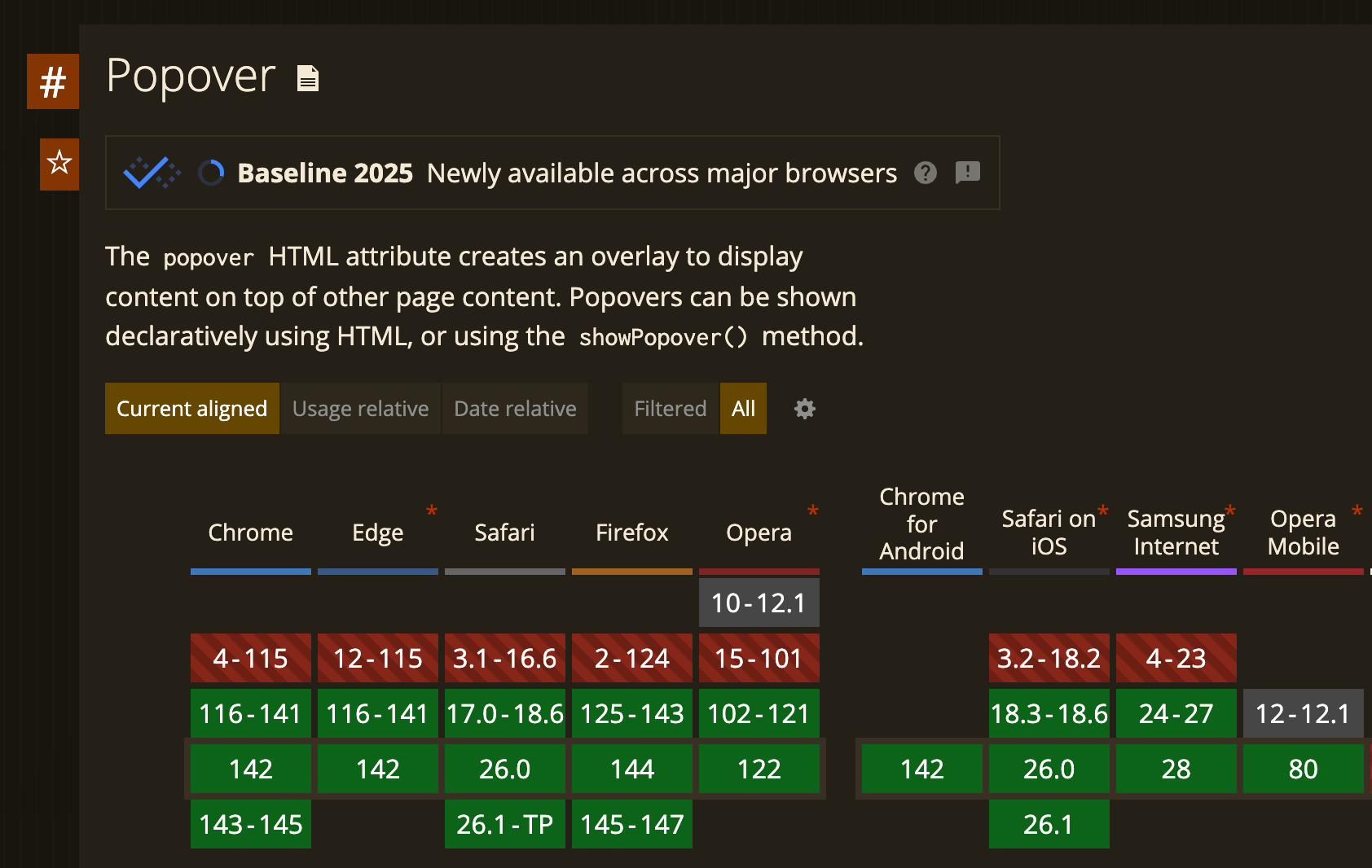
Because of how new a lot of the features I was trying to implement were, it was pretty difficult to find up-to-date documentation for them. For example, popover and commandfor on button elements were brand new features and just recently baseline on most browsers, so most articles and discussion online talked about previous workarounds rather than these new features. So it was fun to pore the official MDN docs but difficult at the same time. Another challenge I had was when dealing with image content. The picture tag was something that was brand new to me, and having to manually convert all my images to different pixel sizes and file types was a bit overly tedious but necessary. It was also pretty hard to find content to place as images too since documenting my projects is definitely a skill I tend to lack.
What Went Well
In terms of what went well, I think that I am pretty satisfied with the visual layout of the site. I also think that I was able to implement the mobile navbar hamburger-menu menu in a pretty effective way, although it did take a lot of newer CSS features and a lot of research. I also think the writeups I made for the projects were well fleshed out and hopefully tell a pretty thorough and complete story.
Conclusion
Overall, I'm pretty happy with how my site turned out. I think I did well in terms of accessibility, responsive design, proper layout, and I also think the site looks pretty good and minimalistic as well. If I had more time, I think I would have spent more time brainstorming different projects and maybe page sections to flesh out the site even more and add more fun features.